Build the places you already have
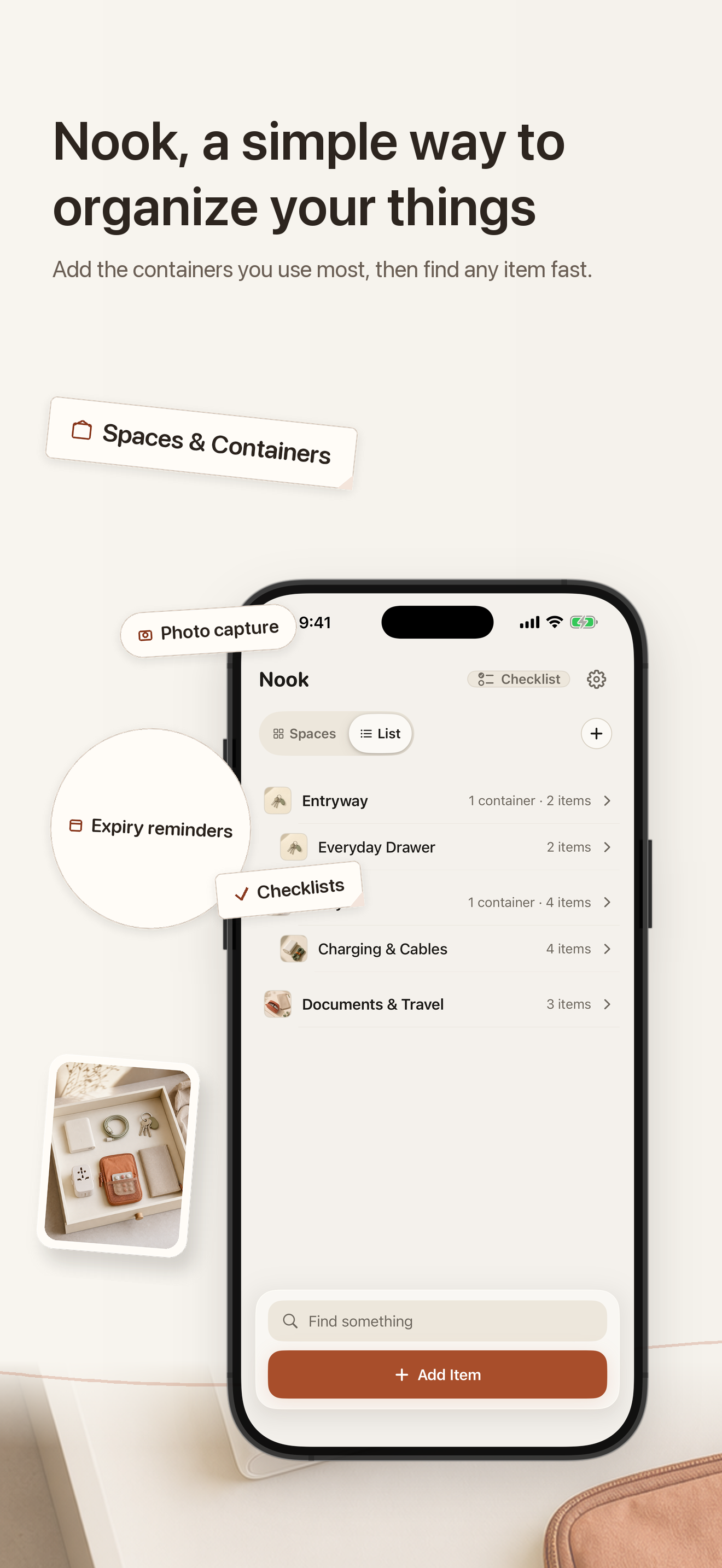
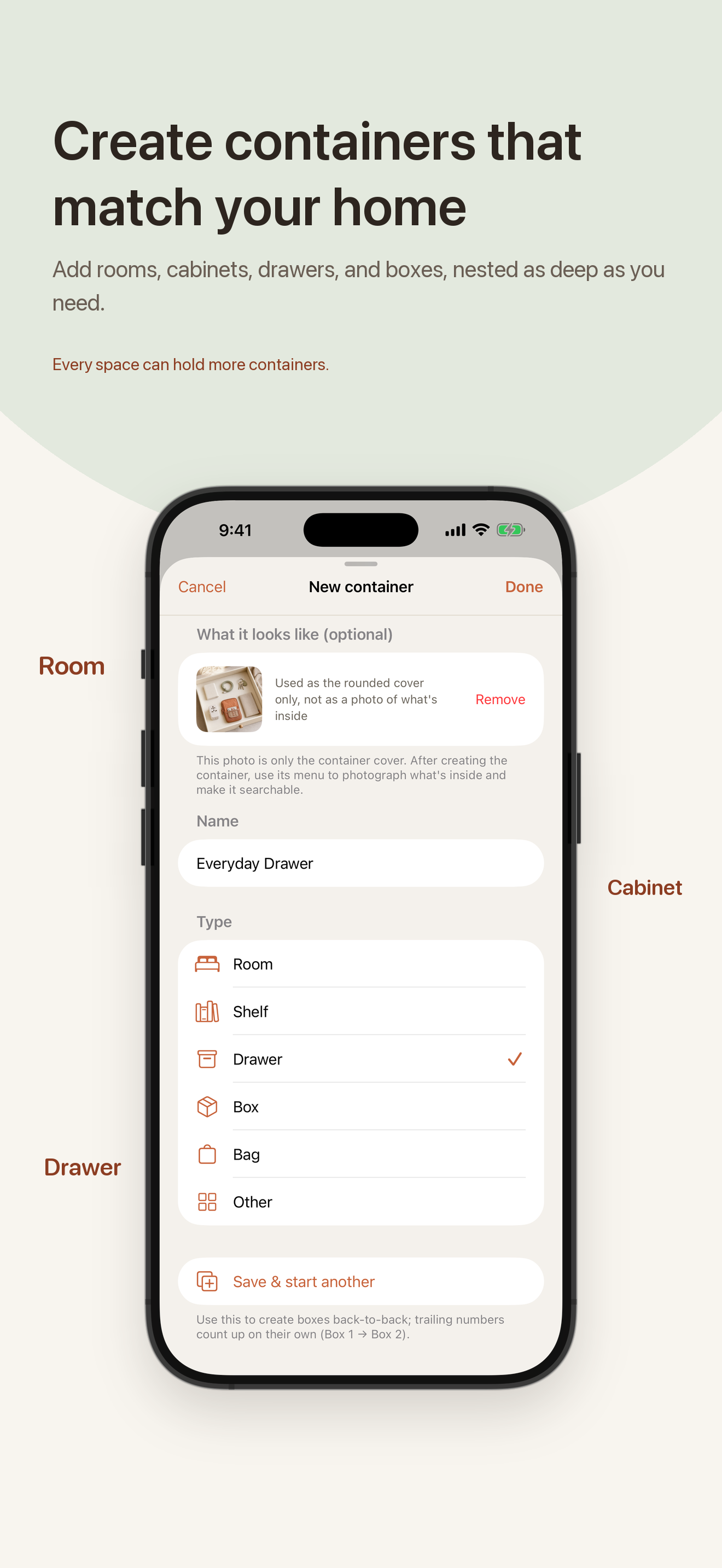
Add rooms, cabinets, drawers, shelves, boxes, and smaller containers. They can be nested, so an item can have a real path instead of a vague note.
I made Nook after a trip and a move
Create the rooms, cabinets, drawers, shelves, boxes, and bags you already use, then save what lives there. When you need something later, Nook brings the place you recorded back.
Try the first 30 saved items · One-time Full Version · No subscription or ads
Why I made it
While I was unpacking, I kept thinking about how many things I put into a drawer or storage box and then slowly forget about. That was where the idea for Nook came from.
There are already some very good home-inventory and organizing apps. I was not trying to prove that they were doing it wrong. I just kept wishing the everyday steps felt a little quicker and less fussy, so I made the version I wanted to use.
That meant starting with the spaces I actually have, putting an item into a real place, and keeping that home even when I take the item out. The less-used tools stay quiet until I choose to open them.
If Nook sounds useful, I would genuinely like you to try it and tell me what feels confusing, unnecessary, or unlike the way you organize things at home.
What I wanted to make easier
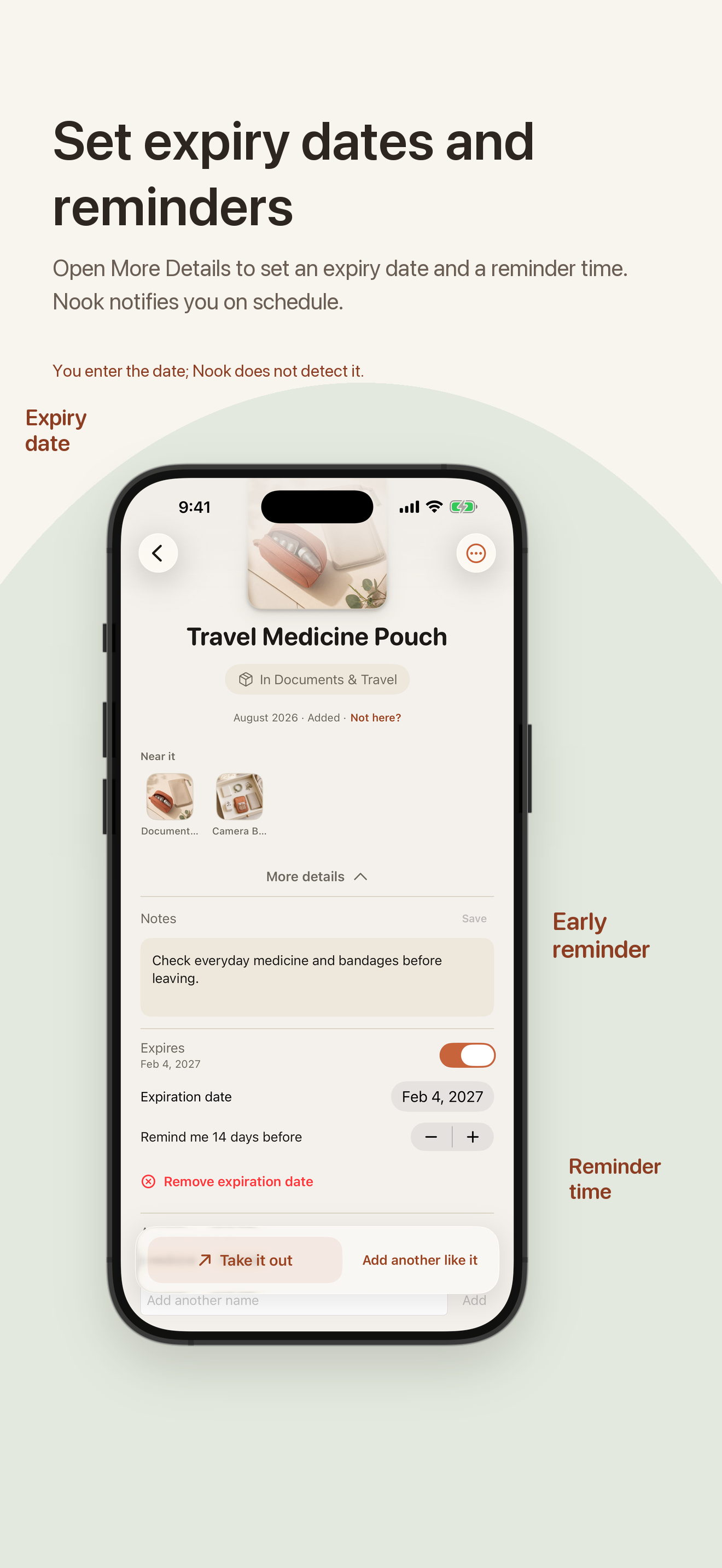
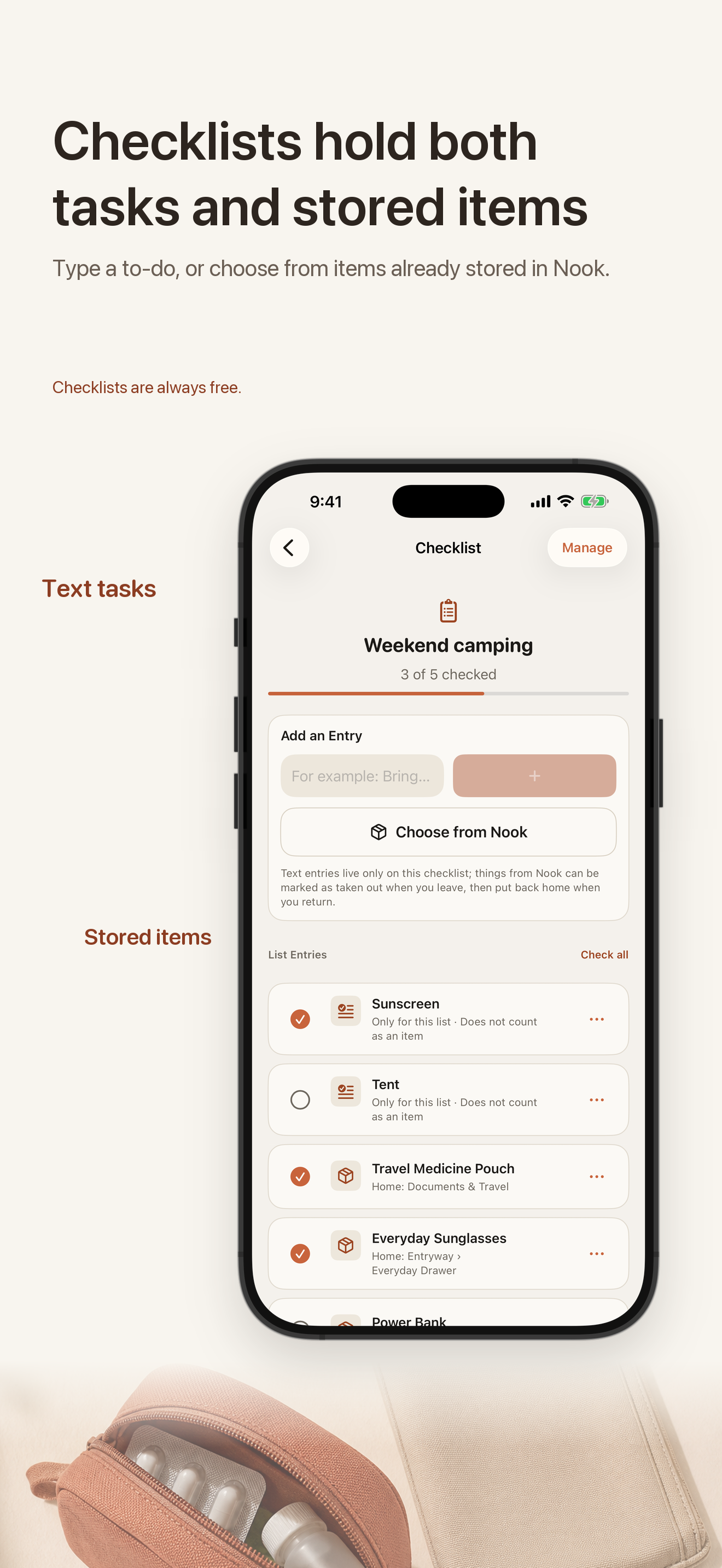
The basic part stays small: a name and a place are enough. Photos, reminders, checklists, iCloud, and the Watch app are there only when they are useful to you.
Add rooms, cabinets, drawers, shelves, boxes, and smaller containers. They can be nested, so an item can have a real path instead of a vague note.
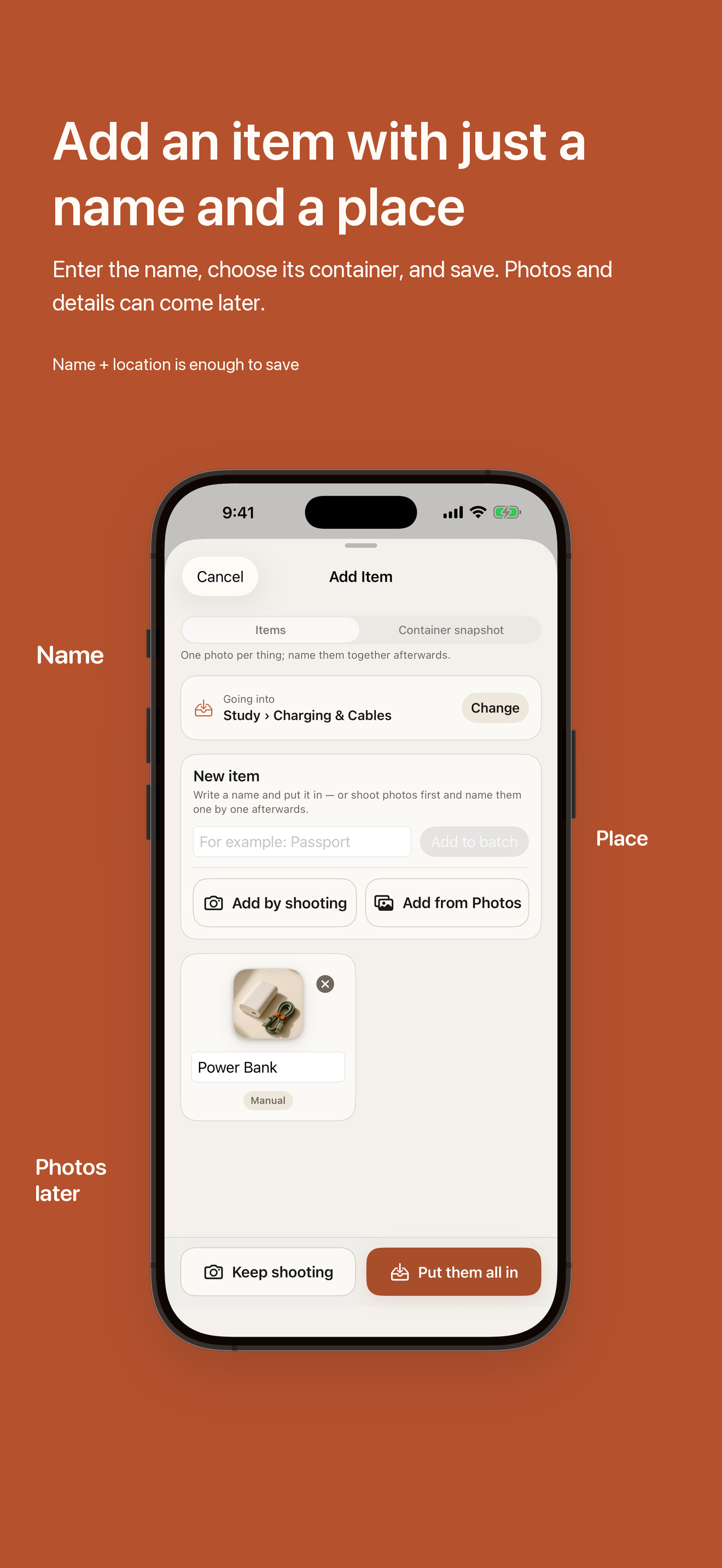
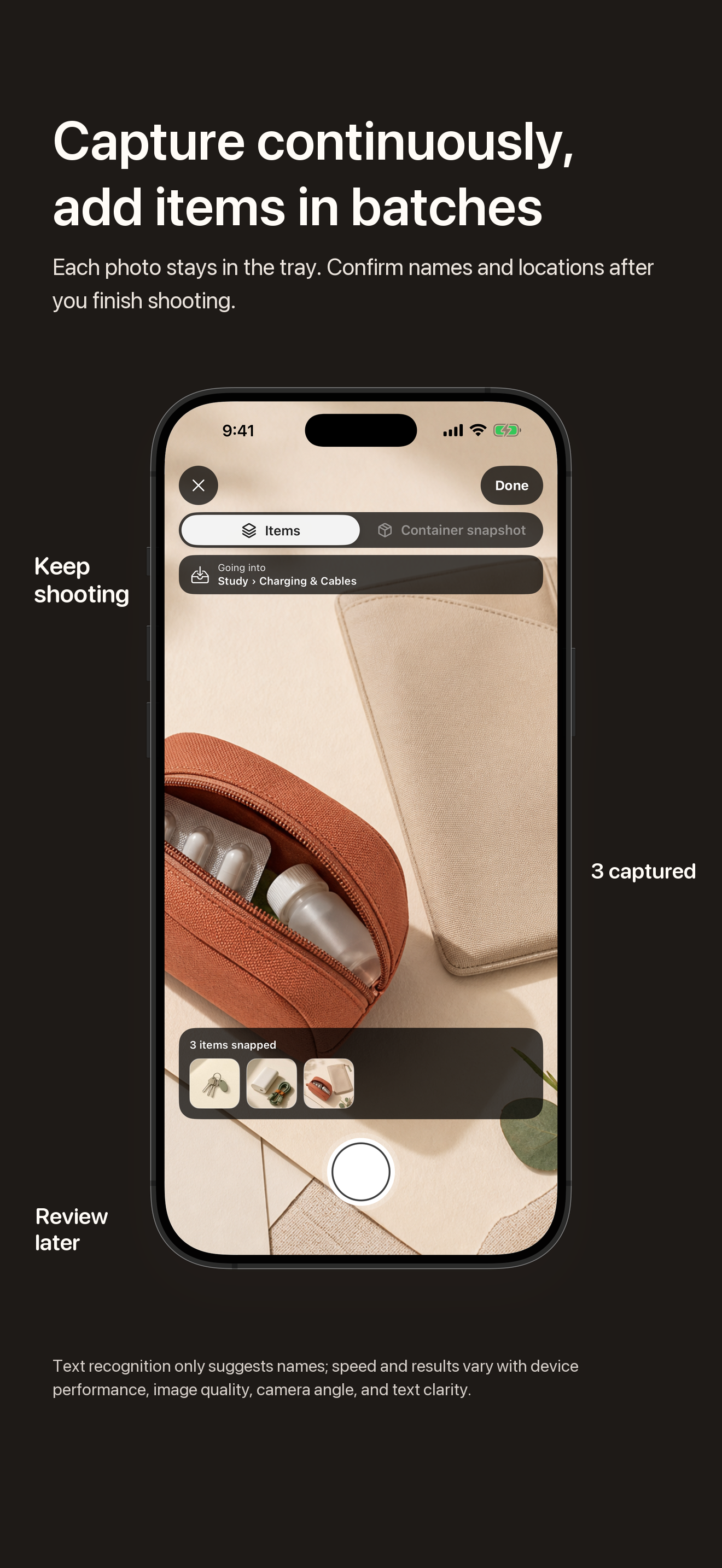
A name and a place are enough. Add a photo only when it helps, or keep taking photos while you put away several things and confirm them together afterward.
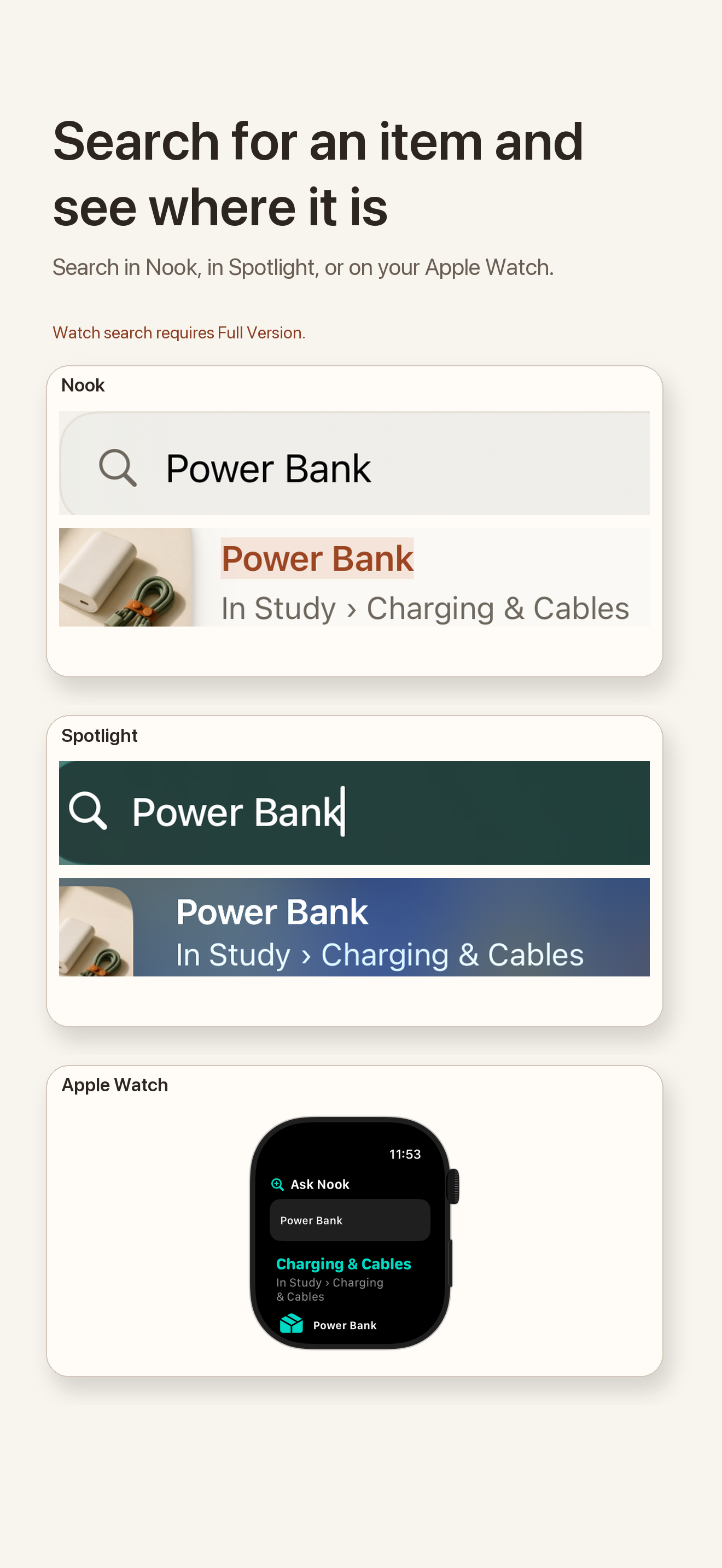
Search a name, alias, saved place, or clear text found in a photo. Eligible items may also appear in iOS system search after the system indexes them.
The actual app
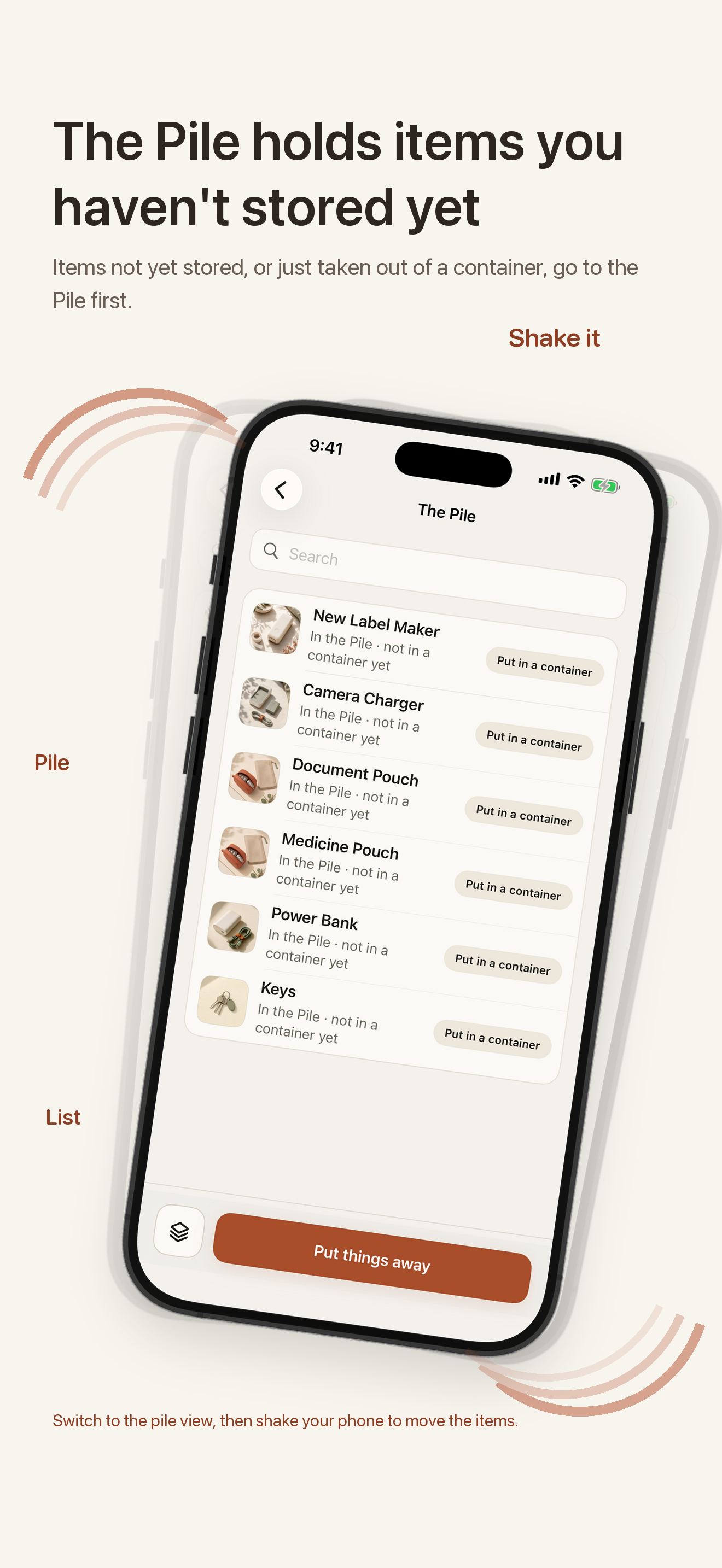
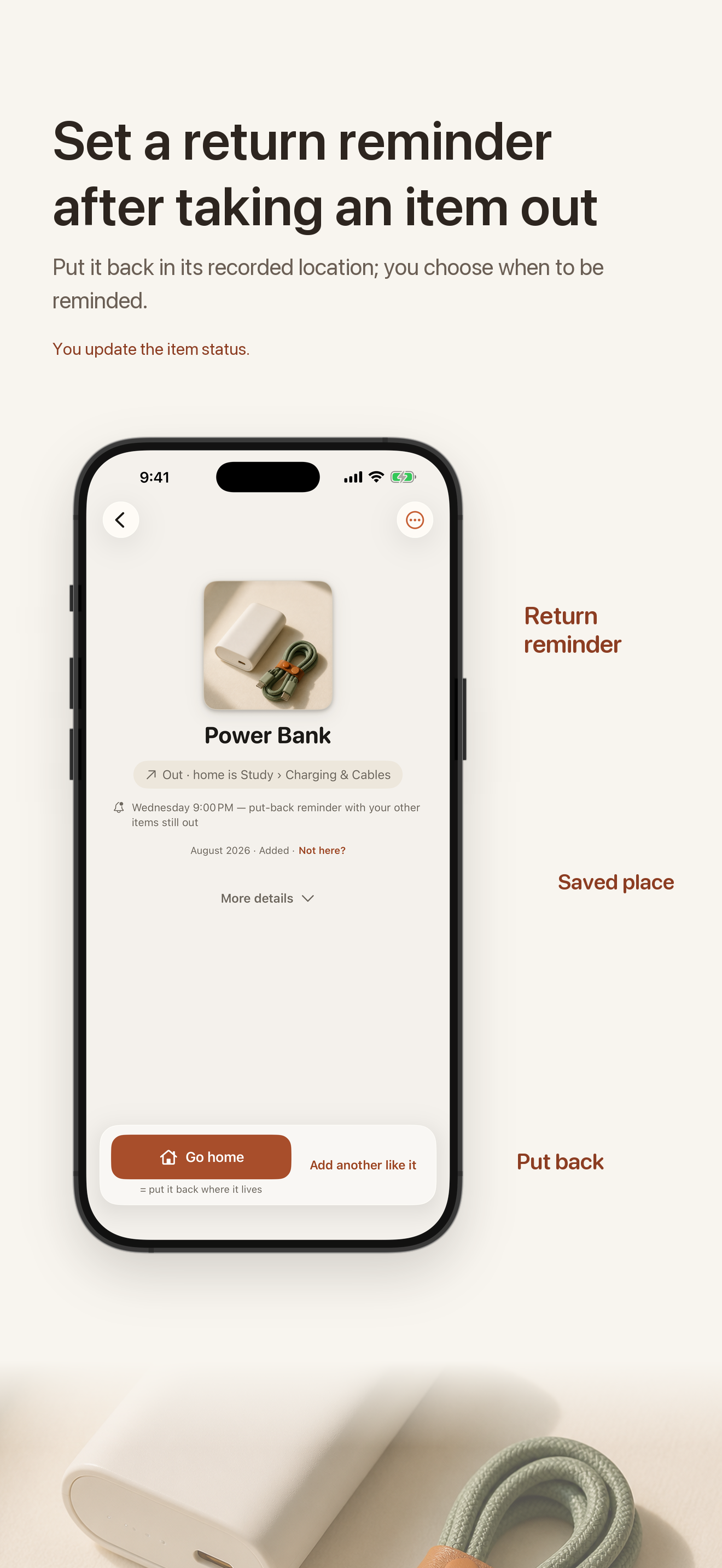
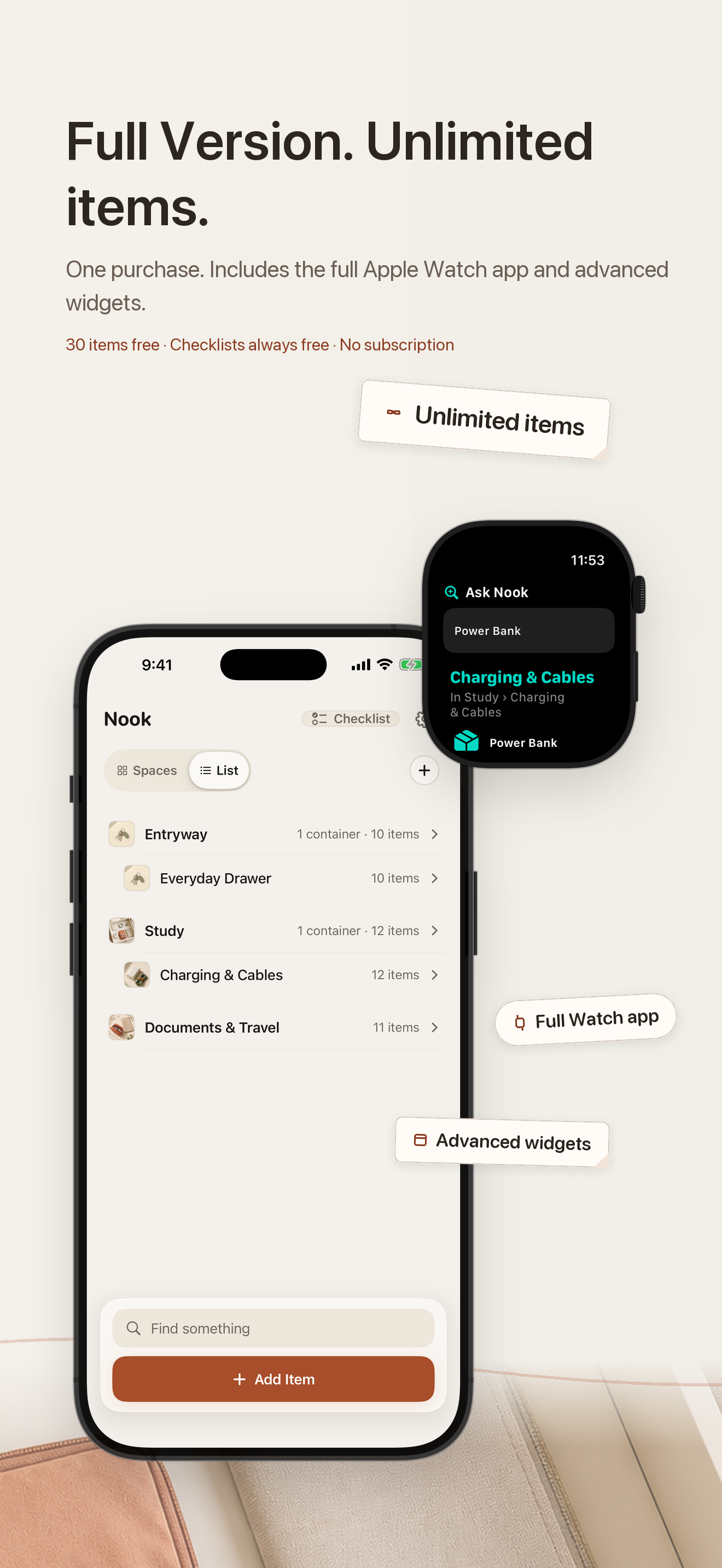
It sounds like a lot written down, but each extra part stays out of the way until I open it. These are the same complete static product images prepared for Nook's latest App Store update.
The data is personal, so I kept this simple too
There is no Nook account to create. Your item library starts on your device, and iCloud sync is optional.
How the purchase works
There is no countdown. If Nook becomes useful enough to keep, Full Version is a one-time purchase for unlimited items, the Apple Watch app, and advanced widgets. There is no subscription or advertising.
Add your first 30 library items. After that limit is reached, saved items remain available to view and manage.
One purchase. No subscription, trial countdown, or ads.
Common questions
No. Nook is a personal location memory, not a GPS or Bluetooth tracker. You tell it where something belongs; it makes that answer easy to retrieve.
No. Start by typing a name. You can optionally add a photo, alias, location, or keywords if they help.
Full Version is a non-consumable, one-time purchase. If the entitlement is unavailable, items you already saved remain visible and manageable.
Yes. Nook 1.0.2 is available in mainland China and displays the required app filing number, 京ICP备2026004411号-3A.
The current public version is Nook 1.0.2
I am still improving Nook, and honest feedback is genuinely welcome—especially anything that feels confusing or does not match the way you actually put things away. Nook is available in 175 App Store storefronts, including mainland China.
View Nook on the App Store